
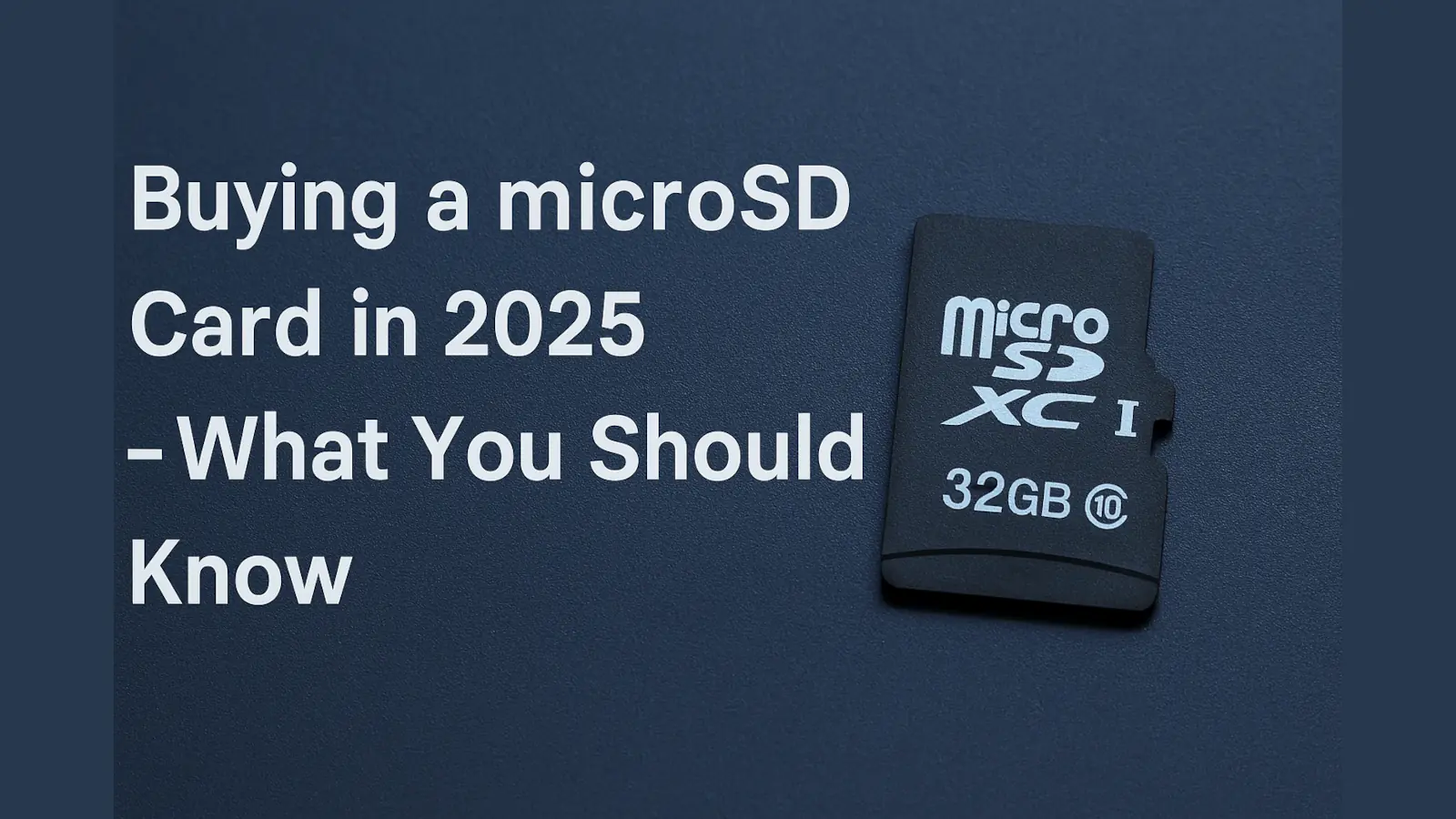
Navigating the world of microSD cards can be tricky, and it’s essential to be careful when purchasing them. While these tiny storage devices offer immense convenience, the market is unfortunately rife with counterfeits and misleading claims. Understanding the landscape in 2025 means being aware of both the incredible utility and the potential pitfalls.
[ez-toc]
What Is a microSD Card?
A microSD card is a type of removable flash memory card used for storing information. It’s the smallest commercially available memory card, designed for use in portable devices like smartphones, drones, cameras, and even some laptops. Think of it as a miniature, portable hard drive for your gadgets.
A Brief History and Modern-Day Uses
Originally developed by SanDisk in 2005 as TransFlash, the format was later adopted by the SD Association as microSD. Due to its compact size and growing capacities, it quickly became a universal standard for portable storage.
Then vs. Now:
- Early uses: Primarily for storing photos and music on feature phones and early MP3 players.
- Today: Their applications are far more diverse and demanding. microSD cards are now crucial for 4K/8K video recording in action cameras and drones, expanding storage for vast game libraries on handheld consoles like the Nintendo Switch and Steam Deck, serving as memory for dashcams and security cameras, and even acting as boot drives for single-board computers like the Raspberry Pi.
Speed: microSD vs. SSD vs. HDD
When it comes to storage performance, it’s vital to set realistic expectations for microSD cards compared to other storage technologies.
| Storage Type | Read Speed (avg) | Write Speed (avg) |
|---|---|---|
| microSD (UHS-I) | Up to 170 MB/s | Up to 90 MB/s |
| HDD (7200rpm) | 80–160 MB/s | 80–150 MB/s |
| SSD (SATA) | 500–600 MB/s | 400–500 MB/s |
| SSD (NVMe) | 2000–7000 MB/s | 1500–6000 MB/s |
🔍 Note: microSD cards are not designed for high-speed tasks like operating system drives or large file transfers, but they are perfect for media storage.
Understanding Speed Classes
To properly choose a microSD card, you need to understand its speed class ratings:
- Class 10: Guarantees a minimum sequential write speed of 10 MB/s.
- UHS Speed Class (U1 / U3): U1 means min. 10 MB/s; U3 guarantees at least 30 MB/s.
- Video Speed Class (V10, V30, V60, V90): Specifically designed for video. V30 (30 MB/s) is essential for 4K video; V90 supports 8K.
Common microSD Card Scams
The market for microSD cards is unfortunately plagued by counterfeits. Being aware of these common scams is your first line of defense:
- 💣 Fake Capacity: A card labeled as 1TB that is actually only 32GB with hacked firmware. Data written beyond the real limit will be corrupted.
- 🐢 Misleading Speed Ratings: Cards mislabeled as U3 or V30 that perform much slower, causing dropped frames in video recording.
- 📦 Poor Packaging: Be wary of shoddy, generic packaging or “refurbished” cards sold as new.
- 💰 Too-Good-To-Be-True Pricing: A 1TB card for $10 is always a scam.
How to Protect Yourself
- ✅ Buy from Reputable Retailers: Stick to major stores or official brand websites. On Amazon, check “Sold by Amazon”.
- ✅ Stick to Known Brands: SanDisk, Samsung, Kingston, Lexar.
- ✅ Always Test New Cards: Verify capacity immediately upon receipt.
Matt Cole’s Epic microSD Test Project
Tech enthusiast Matt Cole launched one of the largest-ever independent microSD tests. His year-long effort involved:
- Testing over 200 microSD cards.
- Writing over 18+ petabytes of data.
- Destroying 51 cards during rigorous testing.
Cole’s research revealed shocking amounts of fake or underperforming cards, even among popular listings.
🔗 Read More:
Programs for Testing microSD Cards
🧪 Here are trusted tools you can use to verify the real performance and capacity of your microSD card:
- H2testw (Windows): The gold standard. Writes data to the entire card to verify true capacity.
- FakeFlashTest (Windows): A faster tool designed to quickly detect capacity fraud.
- F3 (Linux/macOS): Command-line tool that performs similar verification to H2testw.
- AmorphousDiskMark (macOS): Excellent for speed benchmarking.
- SD Insight (Android): Can identify the manufacturer ID (though not fully comprehensive).
TechFokus Insight: The Golden Rule
Test every card you buy. Even legitimate brands can have defects, and “fulfilled by Amazon” inventory can sometimes be commingled with fakes. Running a quick H2testw scan is the only way to be 100% sure your data is safe.
Frequently Asked Questions (FAQ)
Can I use any microSD card in any device?
Physically, yes, most will fit. However, you should always check the speed class and capacity limits of your specific device (e.g., camera, phone, drone). Using a card that’s too slow or too large for your device can lead to performance issues, corrupted data, or the card simply not being recognized.
What do the labels like U3 and V30 mean?
These labels indicate the minimum sustained sequential write speeds of the card. U3 (UHS Speed Class 3) and V30 (Video Speed Class 30) both signify a minimum write speed of 30 MB/s. This is crucial for tasks like recording 4K video smoothly without dropping frames.
How long will my microSD card last?
The lifespan depends on quality and usage. High-quality cards from reputable brands can last 3–7 years with moderate use. Heavy, continuous writing (like in a dashcam) will significantly shorten its lifespan.
Should I format a new microSD before use?
Yes, it’s highly recommended. Always format a new microSD card directly in the device you plan to use it with (e.g., your camera, phone, or drone). This ensures optimal compatibility and file system performance.
Can I use microSD cards for permanent backup?
Not ideal. While convenient for carrying data, microSD cards are best used as temporary storage. For long-term preservation, rely on external hard drives, cloud storage services, or NAS with proper backup protocols.
Final Thoughts
microSD cards are an incredible technology — small, powerful, and versatile — but in 2025, they also come with significant risks if you’re not cautious. Thanks to the monumental efforts of individuals like Matt Cole and his public testing database, we now have a clearer picture of how many fakes and underperforming cards are out there.
🔐 Test your cards, buy from trusted sources, and never store irreplaceable data without proper backups.