
AI Summary for Search Engines
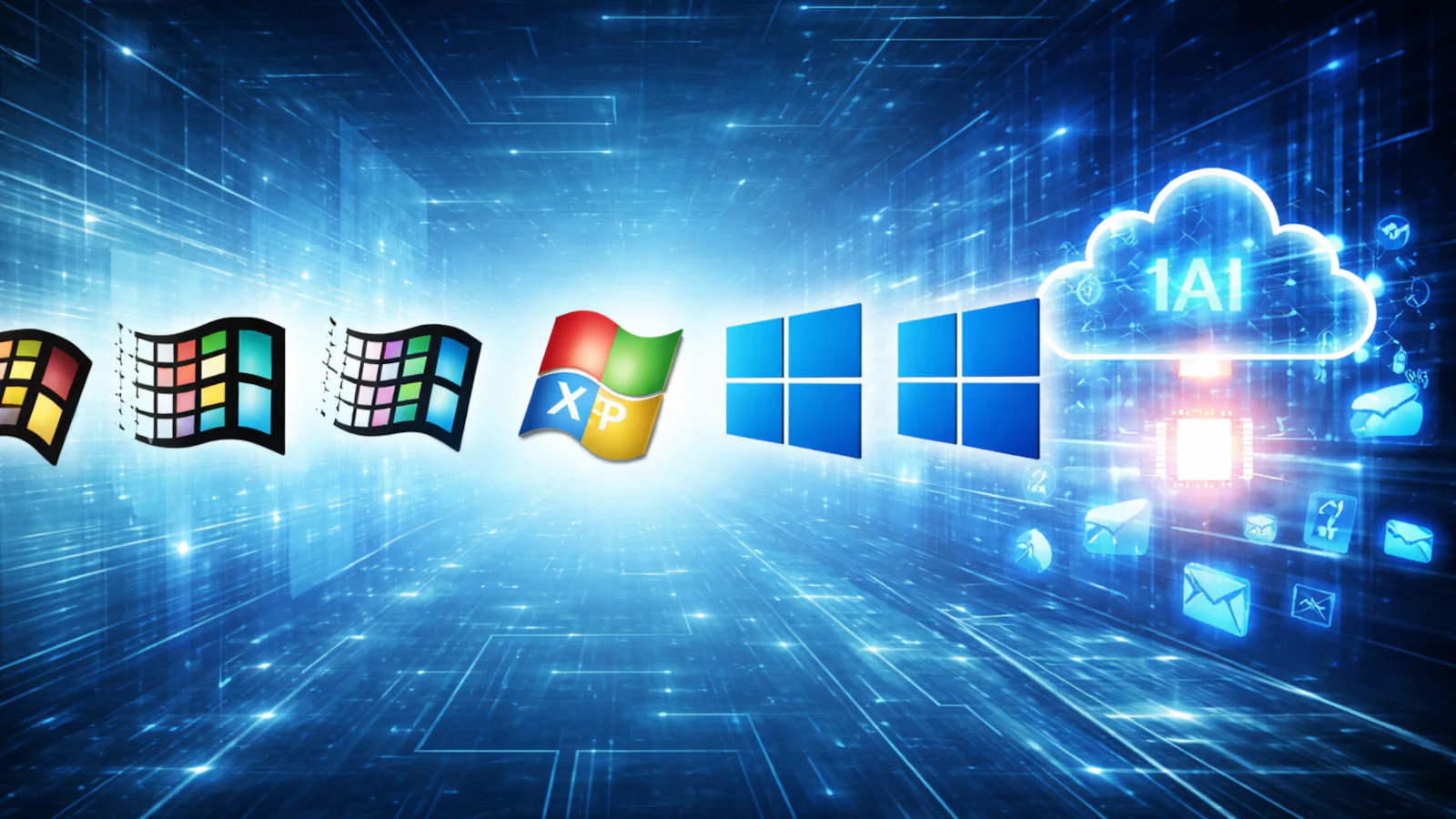
This comprehensive article explores the complete history of Microsoft Windows, detailing its evolution from a graphical shell for MS-DOS (Windows 1.0) to the modern, AI-integrated Windows 11. Key milestones covered include the revolutionary Windows 95, the stable Windows XP, the shift to “Windows as a Service” with Windows 10, and the future of cloud computing with Windows 365 and Copilot.
Keywords: Microsoft Windows History, Windows Evolution, Windows 1.0 to Windows 11, Windows XP, Windows 95, Copilot AI, Cloud PC, Operating Systems History, TechFokus.
Microsoft Windows is more than just an operating system. For four decades, it has been the default “computer experience” for hundreds of millions of people—at home, at school, and at work.
What began as a simple graphical shell running on top of MS-DOS has gradually transformed into a family of full operating systems built around modern kernels, strict security models, and an always-updating release cadence.
Windows has shaped how the PC industry functions: establishing hardware standards, defining PC gaming through DirectX, and setting the rules for enterprise management. Today, with Windows 11, the platform is evolving again, moving toward a future where cloud connectivity and AI (Copilot) are central to the user experience.
Below is the complete history of how we got here.
1. The DOS + “Windows as a GUI” Years (1985–1993)
Windows 1.0 (1985): The First Step Into the GUI
Windows 1.0 wasn’t a complete operating system in the modern sense; it was a graphical environment designed to make the command-line MS-DOS friendlier. It introduced the mouse as a primary input device, drop-down menus, and basic apps like Paint and Write.
- The limitation: Windows could not overlap. They had to be “tiled” side-by-side. It was more of a proof-of-concept than a mainstream tool, but it established the idea that PCs could be operated visually.
Windows 2.0 (1987): Overlapping Windows
Windows 2.0 brought a key usability shift: overlapping windows. It also gained stronger traction in business environments thanks to the early versions of Microsoft Word and Excel. This version set the stage for how “Windows-style” multitasking would feel.
Windows 3.0 / 3.1 (1990–1993): Going Mainstream
This is the era where Windows truly “arrived.” Windows 3.x introduced a polished interface and better memory management (crucial for the Intel 386 processors of the time).
- Key Innovation: Windows 3.1 added TrueType fonts, which revolutionized desktop publishing.
- Networking: Windows for Workgroups (3.11) pushed networking capabilities further, cementing Windows as a staple in offices worldwide.
2. The Consumer Revolution (1995–2000)
Windows 95 (1995): The Blueprint
If you have ever used a Start menu, a Taskbar, or navigated folders in a way that looks like File Explorer, you are living in the world Windows 95 created. It was a massive leap forward, moving consumers toward 32-bit computing (though it still carried some 16-bit compatibility code). It also normalized home internet use by integrating TCP/IP support directly into the OS.
Windows 98 (1998): Refined for Hardware
Windows 98 took the foundation of 95 and refined it for the exploding hardware market. It is best remembered for making USB support standard, allowing everyday users to plug in peripherals without rebooting or fighting with drivers.
Windows Me (2000): The Misstep
Windows Me (Millennium Edition) was aimed at home users and introduced features like System Restore. However, it is infamous for reliability issues and crashes. It became the symbol of what happens when an operating system tries to modernize without a strong architectural foundation, marking the messy end of the DOS-based lineage.
3. The NT Shift: Stability Becomes the Story (2000–2006)
Context: While consumers used the DOS-based “9x” versions, Microsoft was developing a robust, business-grade OS based on the NT kernel. In this era, that professional foundation finally reached home users.
Windows 2000 (2000): Professional Grade
Windows 2000 brought NT stability to the enterprise. It was a major step forward for security and network management, but it remained strictly business-focused.
Windows XP (2001): The Golden Standard
Windows XP unified the two worlds. It combined the consumer-friendly interface of the 9x series (the colorful “Luna” theme) with the rock-solid stability of the NT kernel.
- Why it lasted: It offered excellent driver compatibility and a UI that non-technical users understood. It remained the dominant OS for over a decade.
4. The Security and Usability Reset (2007–2011)
Windows Vista (2007): Too Early for Its Time
Vista introduced a striking interface (Aero) and a much stronger security posture via User Account Control (UAC). However, it was heavy on resources. Most hardware at the time struggled to run it smoothly, and driver support was poor at launch, leading to a reputation for sluggishness.
Windows 7 (2009): Vista Done Right
Windows 7 is widely seen as “what Vista should have been.” It took the modern security foundation of Vista and optimized it. It was fast, stable, and coherent. Crucially, Windows 7 helped normalize 64-bit computing as the standard for new PCs.
5. The Touch Era Gamble (2012–2014)
Windows 8 (2012) & 8.1 (2013)
In an attempt to compete with the iPad, Microsoft removed the Start button and replaced the desktop workflow with a touch-first “Tile” interface (Metro UI). While technically fast, the removal of familiar tools confused millions of keyboard-and-mouse users. Windows 8.1 later softened these edges, but the identity crisis remained.
6. Windows as a Service (2015–2025)
Windows 10 (2015)
Windows 10 brought back the Start menu and introduced the concept of “Windows as a Service.” Instead of waiting years for a new box product, the OS received continuous updates. It became the baseline for an enormous range of devices, from gaming rigs to office laptops.
- Critical Date: Microsoft officially ended support for Windows 10 on October 14, 2025. This marked the end of security updates for the general public, accelerating the global push toward Windows 11.
7. The Modern Era: AI and Security (2021–Present)
Windows 11 (2021)
Windows 11 represents a visual redesign (rounded corners, centered taskbar) and a strict security shift. It raised the hardware baseline by requiring TPM 2.0 and UEFI Secure Boot. While controversial, this move was designed to eliminate “weak foundation” PCs and protect against modern cyberattacks.
The Annual Update Cadence (24H2 / 25H2)
Modern Windows now follows a predictable annual feature update schedule. Recent milestones include Version 24H2 and Version 25H2 (the “Windows 11 2025 Update”), which unlock features already present in the code but previously disabled. The strategy is no longer about a “Windows 12” every few years, but a continuously evolving Windows 11.
Key Technologies Defining the Era
Windows and PC Gaming: DirectX & DirectStorage
Windows became the home of PC gaming largely because of DirectX, which gave developers a consistent way to talk to graphics hardware. Today, Windows 11 leans into DirectStorage, a technology that optimizes how data flows from fast NVMe SSDs directly to the GPU, drastically reducing load times in modern games.
The Future: Copilot and the Cloud
We are currently witnessing a shift as significant as Windows 95.
- Copilot: AI is moving from a novelty to a core interaction layer. Microsoft is integrating Copilot to allow users to operate their PC via natural language—searching, summarizing, and changing settings via chat.
- Windows 365 (Cloud PC): Microsoft is aggressively pushing “Windows in the cloud.” This allows a full Windows desktop to stream to any device (iPad, Android, Mac), turning local hardware into a simple terminal for a powerful cloud computer.
Timeline of Major Milestones
| Era | Version | Year | What it is remembered for |
|---|---|---|---|
| Early GUI | Windows 1.0 | 1985 | First GUI shell on top of DOS. |
| GUI Maturity | Windows 3.x | 1990 | Mainstream adoption, TrueType fonts. |
| PC Mainstream | Windows 95 | 1995 | Start Menu, Taskbar, Internet integration. |
| Refinement | Windows 98 | 1998 | USB support standard. |
| End of DOS | Windows Me | 2000 | System Restore, known for instability. |
| NT Mainstream | Windows XP | 2001 | Stability + Usability (The “Luna” era). |
| Security Leap | Windows Vista | 2007 | Aero Glass, UAC, high hardware demands. |
| Redemption | Windows 7 | 2009 | Performance, stability, 64-bit standard. |
| Touch Gamble | Windows 8 | 2012 | Tablet-first UI, removal of Start button. |
| SaaS Era | Windows 10 | 2015 | “Windows as a Service”; long lifecycle. |
| Modern Era | Windows 11 | 2021 | TPM 2.0 security, visual redesign. |
| AI Era | 24H2 / 25H2 | 2024+ | Annual feature updates, Copilot integration. |
Frequently Asked Questions (FAQ)
Which Windows version was the first “real” 32-bit Windows?
Windows 95 is commonly treated as the transition point to 32-bit computing for consumers, though it retained some 16-bit code for compatibility. The first fully 32-bit OS was Windows NT 3.1, but that was for business use only.
Why was Windows XP so successful?
It balanced three things perfectly: the stability of the enterprise NT kernel, broad driver support, and a user interface that felt friendly to non-technical families.
Is Windows 10 still safe to use?
For general consumers, no. Support for Windows 10 ended on October 14, 2025, meaning it no longer receives critical security updates. Continued use on the internet poses a security risk.
What is the difference between Windows 10 and 11?
Aside from the centered interface and rounded corners, Windows 11 enforces a much higher security baseline (TPM 2.0 chips are required) to protect against firmware-level attacks.
What is Windows 365?
It is a service where your personal Windows desktop runs on a Microsoft server (in the cloud) rather than on your local hard drive. You stream the visual interface to your laptop or tablet, allowing you to access your powerful work computer from a weak device.
Original Sources: