
KEYWORDS: PC cooling, computer in refrigerator, condensation, airflow, TDP, CPU cooler, AIO liquid cooling, thermal throttling, techfokus.
“Just put the PC in the fridge and problem solved” sounds tempting—but physics disagrees. In this article, we break down why heat is generated, how TDP, airflow, and cooling systems (Air/AIO/Custom) actually work, why condensation is a silent killer, and what simple, smart measures you can take for a cooler and quieter computer.
If you have ever assembled a computer or simply looked at the price tags of high-end coolers, you have surely noticed something strange. Some cooling systems cost as much as a decent processor, or even as much as an entire entry-level computer.
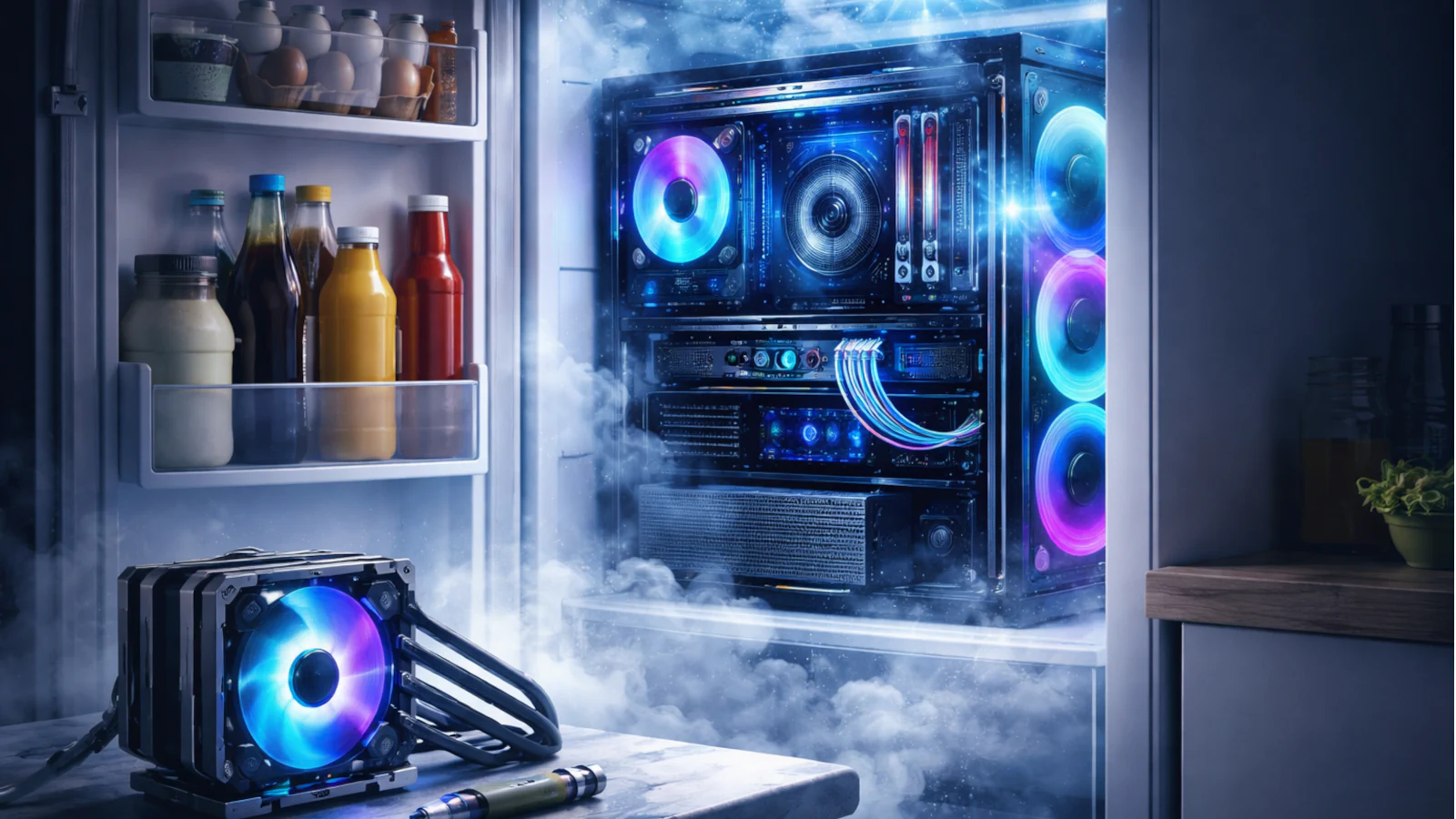
This inevitably leads to a logical, almost innocently simple question: “Wait, if the goal is to make it cold, why don’t I just put the whole computer inside a refrigerator and call it a day?”
You are not alone in thinking this. At first glance, it sounds like a stroke of genius. However, let’s break this down simply—as if explaining it to a curious child—but with enough technical depth to make everything “click.”
1. Why Do Computers Need Cooling Anyway?
Before we try to cool things down, we must understand why they get hot in the first place.
Your computer, specifically its Central Processing Unit (CPU) and Graphics Processing Unit (GPU), are essentially incredibly complex calculators. They function by pushing electricity through billions of microscopic transistors. A fundamental law of physics dictates that when electrical energy moves and performs work (like rendering your favorite video game), it inevitably creates heat as a byproduct.
Every chip comes with a specification known as TDP (Thermal Design Power). In essence, this is a measurement of how much heat (in Watts) needs to be dissipated from the chip for it to operate stably.
If this heat were not removed, the temperature would spike so drastically that the components would first “slow down” (a process known as thermal throttling—where the computer intentionally reduces performance to protect itself), then they would become unstable, and eventually, they would be permanently damaged or “fried.”
Therefore, cooling is not a luxury; it is an absolute necessity. Its task is simple: take the heat away from the chip and vent it outside—efficiently, quietly, and reliably.
2. “Put It in the Fridge” — A Brilliant Fallacy
Okay, we have established that it gets hot. So, why not open the fridge door and shove the PC case inside? This is due to several catastrophic problems.
Problem #1: Condensation (The Arch-Enemy)
Do you remember what happens when you take a cold bottle of soda or beer out of the fridge on a warm summer day? Almost instantly, the outside of the bottle becomes wet. That isn’t the liquid leaking out—it is moisture from the surrounding warmer air hitting the cold surface, cooling down to the “dew point,” and turning into water droplets.
Now, imagine that same phenomenon occurring on your motherboard. A refrigerator is naturally a humid environment. If you cool PC components below the ambient room temperature, you will create water on the motherboard, connectors, and power supply unit (PSU).
As we learned in elementary school science: Water + Electricity = A very sad, very dead computer.
Problem #2: The Wrong Heat “Budget”
A household refrigerator is designed to keep passive items (milk, eggs, vegetables) cool inside a sealed, insulated box. Its compressor removes heat from the interior and dissipates it via the fins on the back.
A computer, however, is an active heat source. It constantly generates new heat—100, 200, or even 500+ Watts of it.
Putting a PC in a fridge is like putting a space heater inside it. The fridge’s compressor would run continuously, attempting to fight a losing battle, consuming an abnormal amount of electricity, and likely failing in record time due to overheating.
Problem #3: Poor Airflow
PC cases are engineered for airflow circulation—air enters one side, passes over hot spots (CPU, GPU, VRM), and exits the other. A refrigerator does not have this directed flow; it lowers the average temperature of the volume but does not solve “hot pockets.” You could have cold air inside the case but still have an overheating processor because the heat isn’t being moved away from the chip fast enough.
There are other headaches too: icing, ice dripping, routing cables through the door (which breaks the airtight seal), static electricity… In short, it is inefficient, risky, and expensive.
3. Why Are Good Coolers So Expensive?
High-end coolers solve the heat problem in a much smarter way. Their goal is not to cool all the air, but to move heat as quickly as possible from a tiny point (the chip) to a large surface area (metal fins) and then expel it from the case.
- Air Coolers: The expensive models use a base made of copper (which conducts heat fantastically) and special “heatpipes.” Inside these pipes is a liquid that evaporates at the hot end (near the processor), travels as vapor to the cold end (the fins), condenses back into liquid (releasing the heat), and flows back down. It is an incredibly efficient, closed loop. You are paying for the massive surface area of the fins and high-quality, quiet fans.
- AIO (All-in-One) Liquid Cooling: Here, you pay for a complete closed loop: a pump (which must be quiet and reliable), a copper block for the CPU, a radiator (like a small car radiator), and special liquid containing antifreeze and anti-corrosive additives.
- Custom Loop: This is for enthusiasts. You select every single part yourself (blocks for CPU and GPU, pumps, radiators) for absolutely peak performance and silence, but it requires significant maintenance and skill to assemble.
4. What Is Actually “Good” Cooling for the Average User?
Good news: you do not need to buy a cooler that costs more than your computer. Following a few simple rules is usually sufficient:
- Airflow: The most important factor. You must have at least one intake fan (usually at the front) and one exhaust fan (at the back or top). The case needs to “breathe.”
- Appropriate Cooler Sizing: You do not need a 360mm liquid cooler for a processor that consumes only 65W. A good tower air cooler is more than enough.
- Thermal Paste: High-quality paste is cheap but crucial for heat transfer from the chip to the cooler. If your PC is a few years old, replacing the paste can work wonders.
- Fan Curves: In your computer’s settings (BIOS), adjust the fans so they run quietly while you browse the web, and only speed up when you launch a game.
- Software Optimization: You can often perform “undervolting”—slightly reducing the voltage to the CPU or GPU. You will get significantly lower temperatures and quieter operation with minimal or no loss in performance.
- Environment: Do not shove your PC case into a cramped shelf or place it on a thick carpet that blocks air intake. Your room temperature directly affects your computer’s temperature.
5. What About the Other Parts?
The CPU and GPU aren’t the only things getting hot.
- NVMe SSD: High-speed drives also heat up and can slow down (thermal throttling). A small passive heatsink or just good airflow across them helps immensely.
- VRM (Voltage Regulator Module): These are the components on the motherboard surrounding the processor that deliver power. They also require some airflow to stay cool.
- Laptop in the Fridge? An even worse idea. Laptops are closed systems with precise air tunnels. You will introduce moisture and condensation without solving the airflow issue. For laptops, cooling pads with fans, regular dust cleaning, and “undervolting” are the best solutions.
Educational Conclusion
Cooling isn’t about “put it in the fridge and go.” It is an entire science and industry involving materials science, fluid dynamics (how liquids and gases move), acoustics, and electronics.
Good coolers, cases, and fans cost money because they are designed to efficiently dissipate hundreds of watts of heat, preserve system stability and component lifespan, and do it all quietly.
If you want a long and happy relationship with your PC, choose the path of thoughtful airflow, an adequate cooler, and clean dust filters.
And the fridge? Leave that for the ice cream. 🍦