
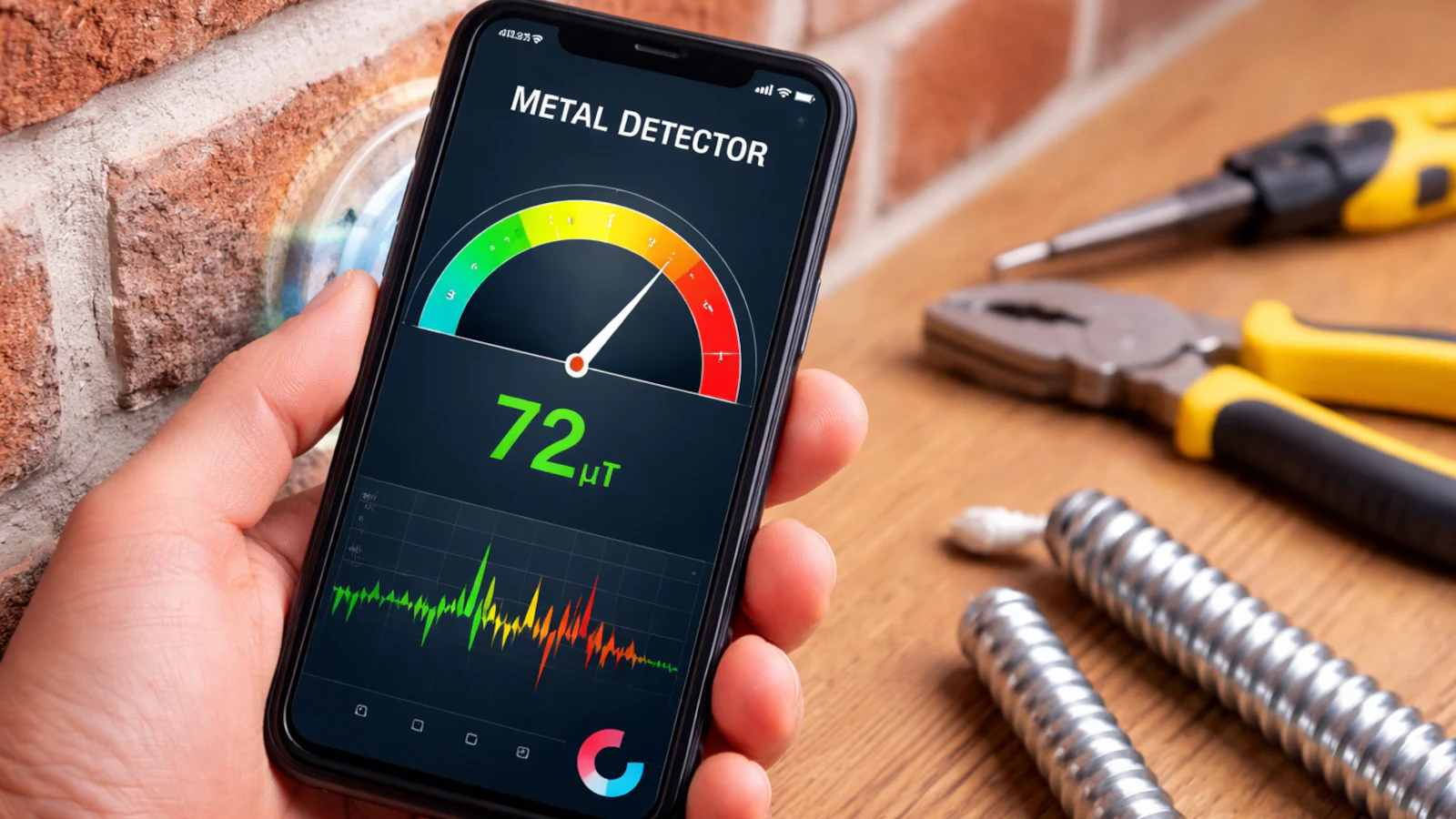
At first glance, the idea sounds like a typical internet trick: install an app and your phone suddenly becomes a metal detector.
In reality, it’s neither a scam nor a superpower—but it’s also not a real metal detector.
Modern smartphones can detect changes in the magnetic field around them thanks to a built-in sensor called a magnetometer (the same sensor used for digital compass orientation). Apps marketed as “metal detectors” rely entirely on this sensor.
Understanding what that actually means—and what it does not mean—is key.
What Your Phone Is Actually Detecting
A smartphone magnetometer measures the ambient geomagnetic field (Earth’s magnetic field) and local disturbances near the device. Measurements are typically displayed in microteslas (µT).
On Android devices, this sensor is documented as TYPE_MAGNETIC_FIELD and measures magnetic field strength along the X, Y, and Z axes.
When the phone comes close to an object that disturbs the magnetic field—such as iron, steel, a magnet, or sometimes large amounts of nickel or cobalt—the sensor detects a noticeable change. The app interprets this fluctuation as “metal detected.”
Important distinction:
- The phone is not detecting metal itself.
- It is detecting magnetic field disturbances.
Can a Phone Detect All Types of Metal?
No—and this is the most important limitation.
A traditional metal detector actively emits electromagnetic signals and analyzes how different metals reflect them. A smartphone does nothing like that. It does not emit a detection signal; it only measures changes in an existing magnetic field.
That makes it reasonably effective for:
- Ferromagnetic metals (iron, steel)
- Magnets
- Objects large enough to noticeably distort the magnetic field
And mostly ineffective for:
- Aluminum
- Copper
- Gold and silver
- Most non-ferromagnetic alloys
If a metal does not significantly affect the magnetic field, the phone simply won’t detect it.
Can a Smartphone Detect Electrical Wires in Walls?
Partially—but very unreliably.
An electrical current flowing through a wire generates a magnetic field. In controlled experiments, smartphone magnetometers can sometimes register this field if alternating current (AC) is present.
In real homes, however, results are inconsistent due to:
- Wall thickness (plaster, concrete, reinforced steel)
- Cable orientation
- Electrical noise from nearby metal objects
- Magnetic phone cases, mounts, or accessories
- Wires with no load (no current, no detectable field)
Safety note
A smartphone must not be used to check whether a wire is live.
For electrical safety, only certified tools such as non-contact voltage testers (NCVTs) or proper electrical testers should be used.
Practical Use Cases: What Works and What Doesn’t
Situations where a smartphone can help
- Finding small ferromagnetic objects nearby (screws, needles, small tools)
- Roughly checking for metal close to a wall surface
- Educational demonstrations and sensor experiments
Situations where a proper tool is required
- Any electrical or installation work
- Drilling walls where safety matters
- Searching for objects deep inside walls, floors, or soil
- Detecting non-ferromagnetic metals
Do You Need Special Apps?
Yes.
The built-in compass app is not enough—it doesn’t show raw magnetic field values. You need an app that directly reads magnetometer data and displays µT (or mG) values and trends.
Common options on Android
Metal Detector (Smart Tools) – visualizes magnetic field strength and often references Earth’s average field (~49 µT).
Other apps exist, but quality varies. Access to raw sensor data and a clear graph is what matters.
Common options on iPhone (iOS)
Magnetometer – displays magnetic interference and clearly states it is not a professional instrument.
Smart Metal Detector – accuracy depends heavily on device model and calibration.
For educational or advanced measurement
phyphox and similar sensor apps provide raw magnetometer data, with clear warnings about drift, calibration, and strong magnets.
Common Limitations Users Discover Quickly
- Very short detection range (often only a few centimeters)
- Magnetic accessories interfere (MagSafe, magnetic mounts, metal desks)
- Calibration drift affects accuracy
- No depth estimation
- Not a safety device for electrical work
A Broader Topic: Magnetometers and Privacy
Magnetometers often require minimal permissions. Academic research has shown that sensor data can, in specific scenarios, be used for device fingerprinting.
This isn’t a major threat for everyday users, but it reinforces the importance of installing only trusted sensor apps and avoiding poorly documented “free” tools.
Frequently Asked Questions (FAQ)
Can every smartphone detect metal?
Which metals are easiest to detect?
Can it detect gold or aluminum?
What is the detection range?
Can it find nails inside walls?
Can it locate electrical cables?
Is it safe to rely on a phone for electrical work?
Can a phone replace a real metal detector?
Final Verdict
A smartphone can behave like a basic metal detector—but only within very narrow limits.
It’s a useful curiosity, a handy proximity tool, and a great educational example of smartphone sensors in action.
It is not a replacement for proper detection equipment, nor a safe tool for electrical work.