
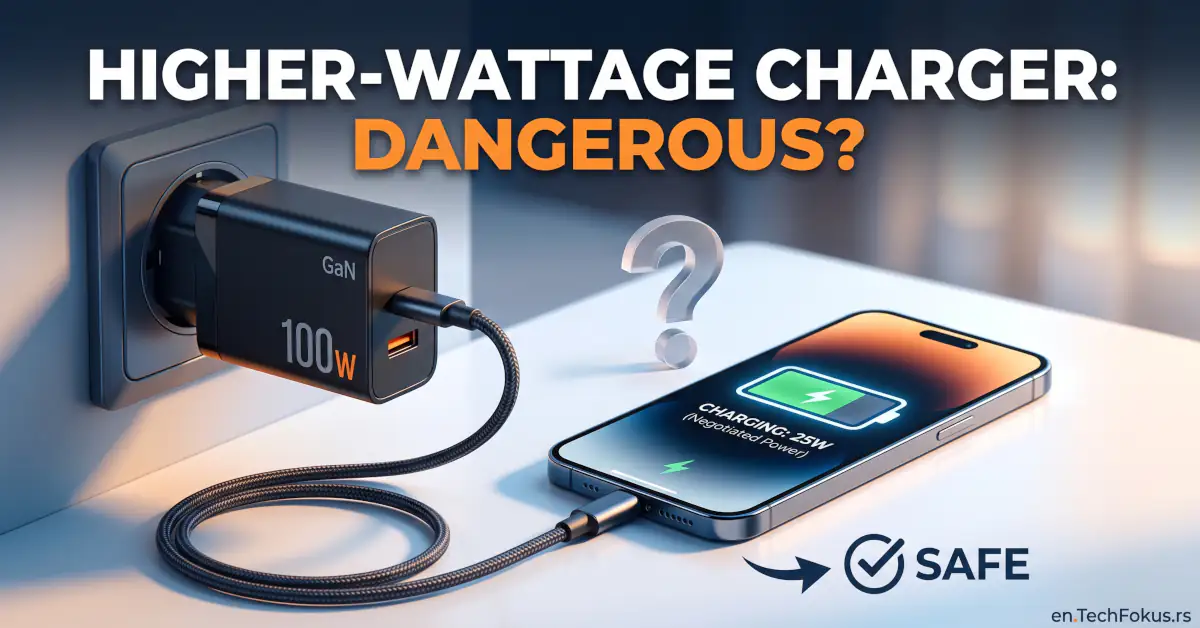
Quick Answer: No, a higher-wattage charger will not damage or overload your smartphone. Modern mobile devices use internal power management chips that actively regulate power intake, drawing only the wattage they are built to handle. Plugging a phone rated for 25W into a 65W or 100W USB-C power brick simply means the adapter supplies up to 25W, leaving the excess capacity unused.
What Those Wattage Numbers Actually Mean
Electrical power is measured in watts (W), calculated by multiplying voltage (V) by current (A). For instance, an adapter running at 20 volts and 3.25 amps outputs 65 watts of power.
The wattage listed on a charging brick represents its maximum potential output, not a fixed stream of electricity forced into whatever gets plugged in. A versatile USB-C charger typically supports a range of power profiles, including:
- 5V / 3A (15W) – standard basic output
- 9V / 3A (27W) – common for mid-tier fast charging
- 15V / 3A (45W) – typical for tablets and ultrabooks
- 20V / 3.25A (65W) – standard laptop power profile
- 20V / 5A (100W) – high-output charging for workstations and larger laptops
The voltage and amperage used at any given moment are decided by the device being charged, not dictated blindly by the wall plug.
Inside the Phone: How the PMIC Regulates Power
Smartphones do not route electricity straight from the wall into the battery. Instead, incoming current passes through a dedicated controller called the Power Management Integrated Circuit (PMIC).
Think of the PMIC as the device’s internal electrical gatekeeper. It monitors:
- Current battery charge percentage
- Internal cell voltage levels
- Operating temperatures of both the battery and chassis
- Power drawn by running background apps and the display
- The communication protocol supported by the connected power brick
Because of this constant oversight, charging speed changes dynamically throughout a cycle. A phone rated for 45W fast charging does not draw a flat 45W from zero to 100 percent; it ramps down as the battery fills to prevent thermal and chemical stress.
The Digital Handshake: USB Power Delivery and PPS
When you plug a modern phone into a USB Power Delivery (USB-PD) charger, the two devices initiate a two-way digital conversation before full power begins flowing:
- The charger broadcasts its available voltage and amperage profiles.
- The phone cross-references those options with its internal charging limits.
- The phone requests the profile that best matches its current needs.
- The adapter adjusts its output to deliver that requested profile.
- The phone’s internal circuits step down and route the current to the battery safely.
Fine-Tuning with PPS (Programmable Power Supply)
PPS is an extension of the USB-PD standard that allows micro-adjustments to voltage in real time rather than sticking to static increments (like 9V or 15V). This continuous optimization reduces conversion losses and cuts down on excess heat inside the phone. Several major smartphone brands require PPS compatibility to achieve their fastest advertised charging rates.
Qualcomm Quick Charge and Proprietary Standards
Proprietary charging systems and Qualcomm Quick Charge operate on the same safety baseline: high wattage is only unlocked after a successful electronic handshake. If your phone and charger do not share a common fast-charging standard, they fall back to a safe, baseline charging speed rather than risking hardware damage.
Can You Safely Charge a Phone with a Laptop Charger?
Yes. Consolidating your gear around a single USB-C laptop charger is one of the most practical benefits of modern hardware standards. A reliable 65W or 100W USB-C laptop brick can easily handle:
- Laptops and ultrabooks
- Tablets and e-readers
- Smartphones
- Wireless earbuds and smartwatches
- Portable power banks
When you connect a 25W phone to a 100W laptop charger, the phone requests its maximum 25W, and the adapter simply operates below its capacity. The remaining 75W stays unused at the wall outlet.
Keep in mind that port compatibility does not guarantee peak speed. If a high-wattage laptop charger lacks the specific fast-charging protocol your phone relies on (such as PPS), the phone will charge safely, but at standard USB speeds.
Why Charging Speeds Drop After 80 Percent
It is common to see a phone charge rapidly from empty to around 50 or 60 percent, only to slow noticeably during the final stretch.
This deliberate slowdown protects the battery. As a lithium-ion cell nears full capacity, internal resistance increases, generating more heat. To protect battery chemistry and prolong longevity, the charging controller scales back the incoming current for the last 15 to 20 percent of the cycle.
Where the Real Hazards Lie: Cheap Bricks, Worn Cables, and Heat
Excess wattage from a certified power supply does not damage your device, but poor-quality hardware and bad charging habits do:
- Counterfeit and Unbranded Chargers: Cheap knock-off adapters often cut corners on surge protection, thermal fuses, and voltage regulation. Substandard insulation between high-voltage wall power and low-voltage device output presents a serious risk of hardware failure or fire.
- Damaged or Mismatched Cables: Frayed cords, bent connectors, or thin budget cables unrated for high amperage can overheat at the contact points under sustained loads.
- Trapped Heat: High temperature is the primary enemy of lithium-ion longevity. Charging a phone under a pillow, on a sunny car dashboard, or inside a thick case while gaming generates heat that accelerates battery degradation far more than wattage alone.
- Multi-Port Power Splitting: Multi-port chargers distribute power dynamically. When you plug a second device into an active brick, the charger briefly interrupts power to renegotiate safe wattage allocations across all connected ports.
Why GaN Chargers Are Taking Over
Gallium Nitride (GaN) chargers replace traditional silicon components with GaN semiconductors. Because GaN handles electrical current more efficiently with far less waste heat, manufacturers can build compact 65W and 100W adapters that take up half the space of older, bulky charging bricks.
For office desks, bedside tables, and travel bags, a multi-port GaN charger provides a compact, reliable way to power both a laptop and a phone from a single wall socket.
Common Charging Myths Debunked
- Myth: A 100W adapter forces 100W into any connected device. Reality: Power is drawn by the device, not pushed by the charger. The phone only takes what its internal PMIC allows.
- Myth: Higher wattage always cuts charging time in half. Reality: If a phone is engineered with a 20W ceiling, an 80W charger will charge it at the exact same speed as a 20W charger.
- Myth: Using non-original brand chargers ruins the battery. Reality: Reputable third-party chargers adhering to USB-PD standards are fully compatible and safe for daily use.
- Myth: A plugged-in 100W charger constantly draws 100W from the wall. Reality: The wall draw matches only what the connected device is pulling at that moment, plus minimal idle standby power.
Practical Rules for Everyday Charging
- Check your phone’s technical specifications to confirm its maximum supported wattage and primary charging standard (such as USB-PD 3.0 or PPS).
- Buy power adapters from established manufacturers with visible certification marks and built-in surge protections.
- Match high-wattage adapters with properly rated cables, especially for setups exceeding 60W or 3A.
- Charge devices on hard, flat surfaces that allow natural airflow and heat dissipation.
- Retire any cable or charging brick immediately if it shows physical cracks, exposed wiring, loose pins, or heat discoloration.
FAQ (Frequently Asked Questions)
Can a 100W laptop charger damage a 25W smartphone?
No, a 100W laptop charger will not damage a 25W phone. The phone’s power management controller communicates with the charger and draws only the 25W it is rated for, leaving the rest of the adapter’s capacity idle.
Will a higher-wattage charger make my phone charge faster?
It depends on your phone’s maximum input limit and what charger you were using before. If your device supports 45W and you upgrade from a 15W brick to a 45W or 65W unit, charging will be noticeably faster; if your phone is capped at 18W, a 65W charger will not increase charging speed beyond that 18W limit.
Do I need to stick exclusively to the charger brand that made my phone?
No, you do not need to buy first-party chargers. High-quality third-party adapters from reputable manufacturers that follow official USB-PD standards work just as safely and reliably.
Is it safe to charge a phone overnight with a high-power charger?
Yes, charging overnight with a high-wattage adapter is completely safe. The phone automatically trickles or cuts power intake once it reaches 100 percent, provided the phone is placed where heat can disperse naturally.
What are the warning signs of a failing or hazardous charger?
You should stop using a charger immediately if the brick becomes hot enough to cause discomfort, produces faint buzzing or clicking sounds, gives off an acrid burning smell, or shows signs of warped plastic.